
TL;DR

Get everyday helpers delivered free with Prime
- Fast, free delivery on millions of items
- Prime Video, Amazon Music and more included
- Member-only deals all year
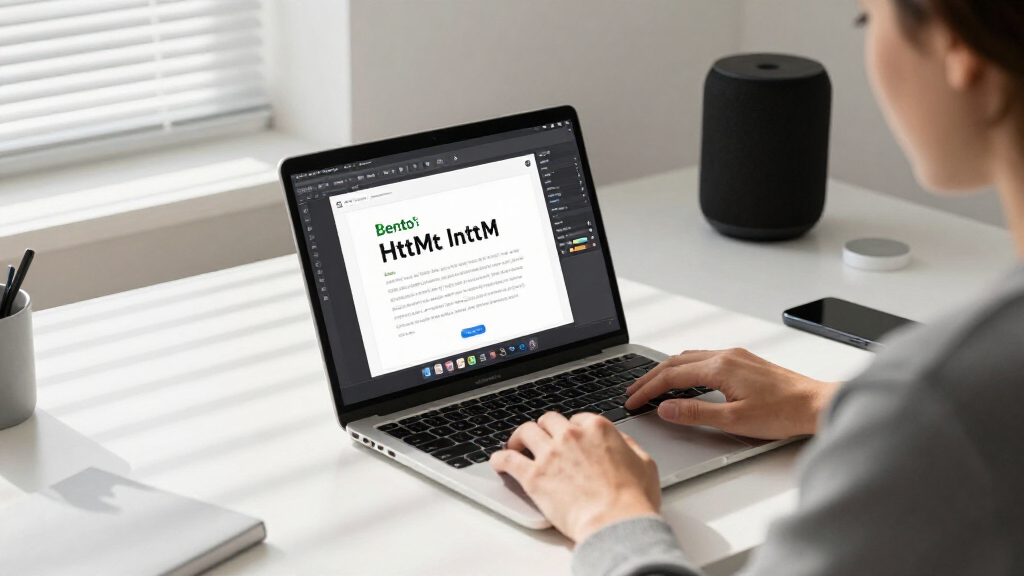
Bento is a new web-based tool enabling users to build, edit, and collaborate on full PowerPoint presentations contained within a single HTML file. It aims to simplify presentation workflows by integrating editing, viewing, and data management in one package.
Bento is a new web-based tool that allows users to create, edit, view, and collaborate on entire PowerPoint presentations within a single HTML file, streamlining presentation workflows and sharing processes.
The developers behind Bento have built a platform that consolidates all presentation data, including slides, layouts, and collaboration tools, into one standalone HTML file. This approach simplifies sharing and editing, as users can open and modify the file directly in a browser without relying on external software or cloud services.
According to the creators, Bento supports full editing capabilities, real-time collaboration, and data integration within the HTML format. The tool leverages modern web technologies, offering a familiar PowerPoint-like experience but with the convenience of a single-file solution.
While the project is still in development, early demonstrations suggest that Bento could significantly reduce the complexity of managing presentation files, especially for teams that rely heavily on web-based workflows. The developers also highlight that the platform is designed to be lightweight, portable, and easy to deploy across different environments.
Why Bento Could Transform Presentation Sharing
This development matters because it addresses longstanding challenges in presentation management, such as version control, file fragmentation, and collaboration hurdles. By encapsulating an entire presentation into one HTML file, Bento simplifies sharing, editing, and collaboration, potentially reducing reliance on proprietary software and cloud platforms. This could be especially impactful for remote teams, educators, and developers seeking lightweight, portable presentation tools. Additionally, the approach could influence future web-based productivity applications by demonstrating how complex documents can be managed within a single, self-contained file.Popular right now

iRobot Roomba Max 715 Pet Robot Vacuum with AutoEmpty Dock

LG C2 Series 65-Inch OLED evo 4K Smart TV (OLED65C2PUA, 2022)

Bose QuietComfort Wireless Noise-Cancelling Over-Ear Headphones, Black
As an affiliate, we earn on qualifying purchases.
Web Technologies and the Shift Toward Single-File Documents
Over recent years, there has been a growing interest in web-based productivity tools that minimize dependencies on traditional software ecosystems. Projects like Google Slides and Microsoft PowerPoint Online have popularized cloud collaboration but still depend on external servers and multiple files.
Developers have increasingly explored using web technologies such as HTML, CSS, and JavaScript to create self-contained documents that can be easily shared and edited locally. Bento builds on this trend by encapsulating an entire presentation into one HTML file, combining the benefits of web portability with the features of a traditional slideshow.
While similar approaches exist in niche areas, Bento’s focus on full editing, collaboration, and data integration within a single file is a notable advancement in web-based document management, aiming to bridge the gap between traditional desktop applications and lightweight web tools.
“Our goal was to create a portable, easy-to-share presentation format that combines the full editing and collaboration capabilities of PowerPoint within a single HTML file.”
— Bento’s development team
Unanswered Questions About Bento’s Capabilities
It is not yet clear how fully Bento supports complex slide features such as animations, embedded media, and advanced formatting. Additionally, the stability and performance of real-time collaboration in larger presentations remain untested in public demonstrations. The project’s roadmap and long-term support plans are also still under development, leaving some questions about its scalability and integration with existing tools.
Next Steps for Bento Development and Adoption
The developers plan to release a public beta of Bento soon, inviting user feedback and testing. Future updates are expected to focus on expanding feature support, improving collaboration stability, and integrating with existing cloud services. Monitoring the project’s progress will reveal how well Bento can replace or complement traditional presentation tools in various workflows.
Key Questions
Can Bento handle complex PowerPoint features like animations and embedded videos?
It is not yet confirmed how fully Bento supports advanced features such as animations and embedded media. Early demonstrations suggest basic support, but comprehensive compatibility remains to be seen.
Is Bento suitable for professional presentations with multimedia content?
While promising, Bento’s current capabilities are still being tested. Users requiring advanced multimedia support should wait for further updates or beta releases.
How does collaboration work within Bento?
Developers claim Bento includes real-time collaboration features within the HTML file, but details on stability and multi-user editing are still emerging.
Will Bento replace traditional presentation software?
It is too early to say. Bento aims to complement existing tools by offering a lightweight, portable alternative, especially suited for web-based workflows.
How can I try Bento when it’s available?
Once the beta is released, users can access Bento through its official website or GitHub repository, where the project will be openly available for testing and feedback.
Source: hn